

Compare the player ESP, loot filters, vehicle readouts and recoil profiles listed for PUBG Elite. See which PC tools require a separate purchase.
Blog
PUBG PC Cheats Guides & Articles
Compare Elite and the standalone tools, understand Windows and Steam support, and see how access and delivery work.
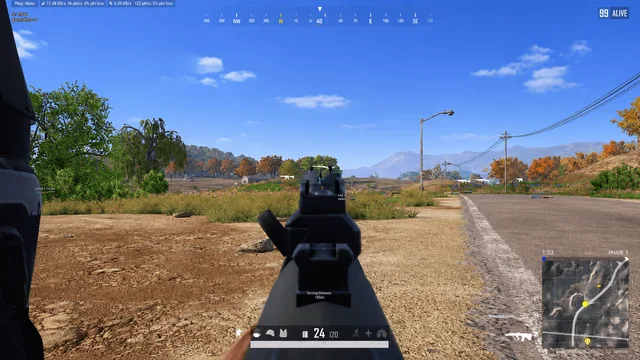
Check the player boxes, distance, visibility and health indicators on the PUBG Elite list, plus the filters that control what appears.
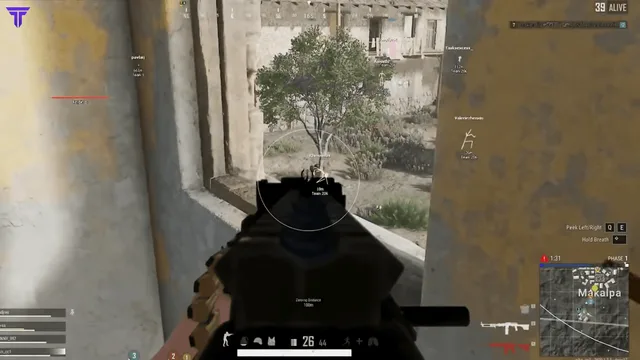
Use this PUBG Elite buyer’s guide to match its gameplay features to your Windows setup, confirm device rules and judge the current access offer.
Find out what PUBG Skin Changer previews on your own client, what teammates see, and which Windows and access details to check before ordering.
Review the HWID utility’s Windows requirements, included cleaner and system-change risks before opening the PUBG partner listing.
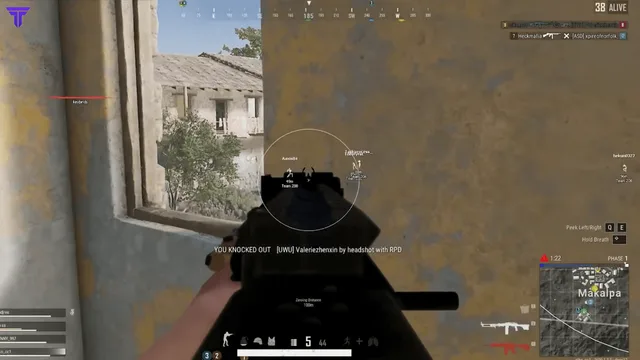
Understand what the PUBG UGC workspace can organize, which appeal records to prepare and who decides whether a restriction is lifted.
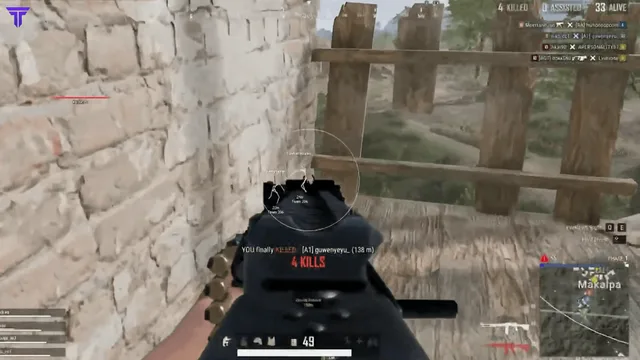
Choose between PUBG Elite, Skin Changer, the HWID utility and UGC using a feature-first buying checklist and a direct link to each product.

Buying PUBG Elite or Skin Changer for use on a recording PC? Check how local displays, captured footage and seller claims differ.

Check the current Steam build, seller compatibility, delivery timing and what support needs before you buy or reuse a PUBG PC tool after an update.

Compare PUBG Elite’s item filters, airdrop and crate entries, and vehicle health and fuel displays before buying for a specific overlay feature.
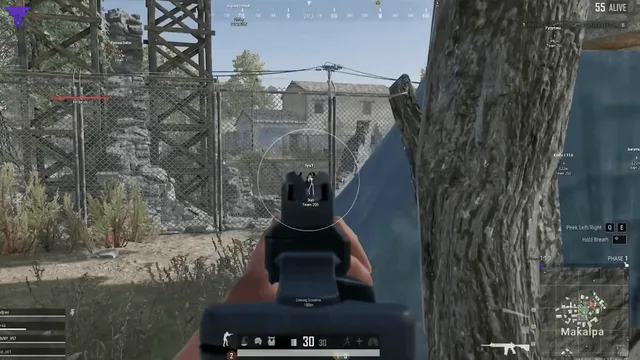
See how PUBG Elite describes recoil profiles by weapon class and what to verify for an AR, DMR or SMG before choosing the Windows product.
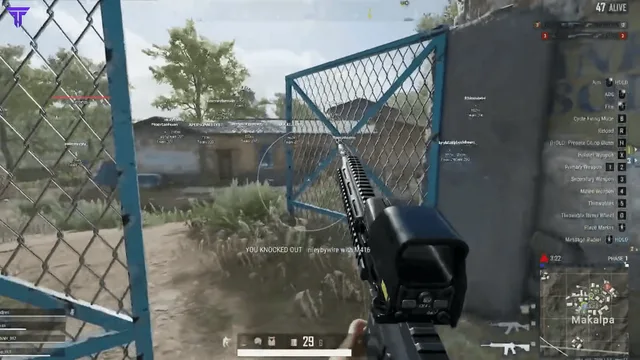
Buying PUBG Elite for vehicle markers? Compare location, health, fuel and preset options using map-specific examples, then check PC compatibility.
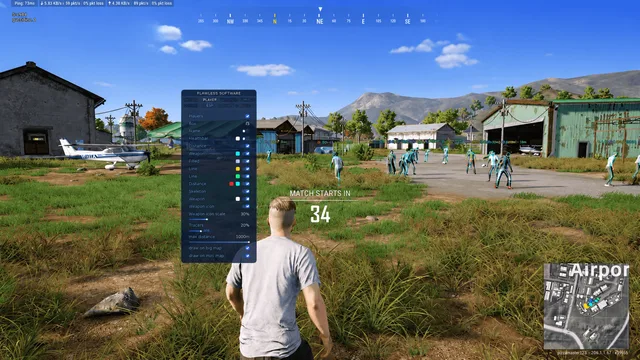
Check PUBG Elite and Skin Changer’s Windows and Steam requirements, and see how HWID Spoofer and UGC have different prerequisites.
Compare the PUBG PC gameplay product and three standalone utilities side by side, including what each changes and which requirements apply.
Check access length, renewal, device rules, delivery and refund terms before buying a PUBG PC product from the linked partner store.
See how PUBG Elite describes saved presets and which display, compatibility and device details to check if configurations matter to you.
The guides explain what Elite shows in a match, what the standalone tools cover and which compatibility details matter before an order.
Filter by features, buyer guides, setup or updates. The forum has sample questions on gameplay features, access and delivery.
-
Product comparisons
Player ESP, Loot Filters and Recoil Profiles with local cosmetic preview, PC hardware tools and appeal records.
-
Markers and presets
See what player boxes, loot categories and vehicle health markers show, then compare saved layouts.
-
Patch-day checks
Check your Steam build and review what changed before using third-party software after an update.