
PUBG Elite for PC: Player ESP & Recoil Profiles
Set your player ESP range, show the loot categories you want, and keep vehicle health and fuel in view. Elite also lists recoil profiles by weapon class and saved display presets.

Editorial product notes
Elite at a glance
Elite suits players who want to choose what the overlay shows. Save a weapon-and-armor view for a hot drop or a simpler player-and-vehicle layout for late circles. Steam updates can affect which build works.
Overview
Player ESP, loot filters and weapon settings
Put health and distance on player markers, choose which loot categories appear, and see vehicle health and fuel when you need a ride.
Elite also lists recoil profiles by weapon class. Ask about the specific class or Steam build you need if a recent patch changed it.
Elite is the gameplay product for PUBG PC. The standalone utilities cover cosmetic previews, hardware identifiers and appeal records.
Windows and Steam requirements
Use 64-bit Windows 10 or 11, a working Steam copy of PUBG, administrator access and a stable internet connection.
How Elite displays player information
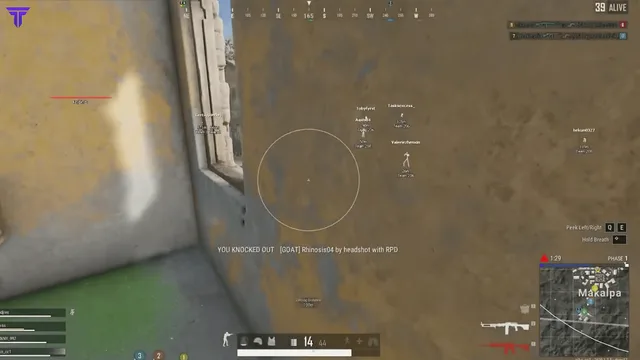
Player ESP can show boxes, health bars, distance, skeletons and equipped weapons. Set a maximum range and choose which details matter for your saved layout.
Loot, vehicles and recoil profiles
Loot filters let you pick weapons, healing items and equipment by category. Vehicle markers can show fuel and health. Recoil profiles are listed separately by weapon class.
Compatibility and account risk
Updates to PUBG or Windows can affect compatibility. Confirm the current build with the seller. Using third-party gameplay tools can lead to account restrictions.
Feature list
What Elite includes
- Built-in hardware spoofer
- Player ESP
- Visibility indicator
- AI player toggle
- Boxes
- Box Style (2D, Corners, Filled)
- Health (Text, Bar)
- Skeleton
- Knocked
- Equipment
- Weapon
- Ammo
- Snaplines
- Kill Score
- Level
- Distance
- Max Distance
- Enemy Only
- Loot ESP
- Loot Filter
- Armor
- Blade
- Pistols
- Submachine guns
- Shotguns
- Rifles
- Snipers
- Scopes
- Healing items
- Attachments
- Grenades
- Vehicles
- Vehicles Info (Health, Fuel)
- Airdrop
- Airdrop Content
- Death crate markers
- Death crate contents
- Name
- Show Grenades
- Crosshair
- Spectators
- Combat-Mode
- Combat Filter
- Colors
- Language (English / Russian)
- Recoil profiles by weapon class
Product details
Product Preview & Delivery
See the features in the gallery and what you’ll need to use Elite after delivery.
Product preview
-
Player ESP
Choose player boxes, health readouts and distance labels, then set the maximum display range.
-
Loot ESP
Choose which types of armor, weapons, medicine and attachments appear on the overlay.
-
Vehicles
See vehicle location, health and fuel when deciding which ride to take.
-
Airdrop
Highlight airdrops or show the contents of a drop crate.
-
Combat-Mode
Narrow what the overlay shows during a fight with Combat Mode and its filter.
-
Presets
Save different combinations of player, loot and vehicle markers for early and late circles.
Guides
Guides for Elite
Read about the features, system requirements and questions worth asking when a PUBG update lands.
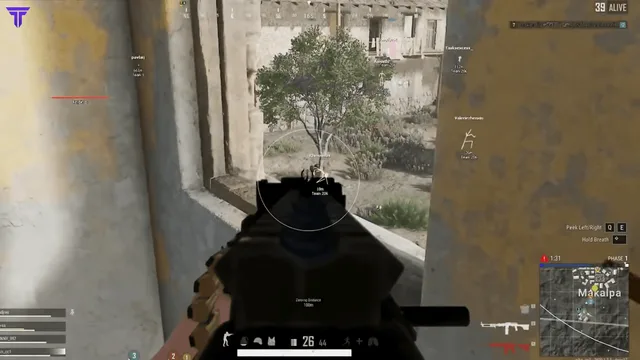
Use this PUBG Elite buyer’s guide to match its gameplay features to your Windows setup, confirm device rules and judge the current access offer.
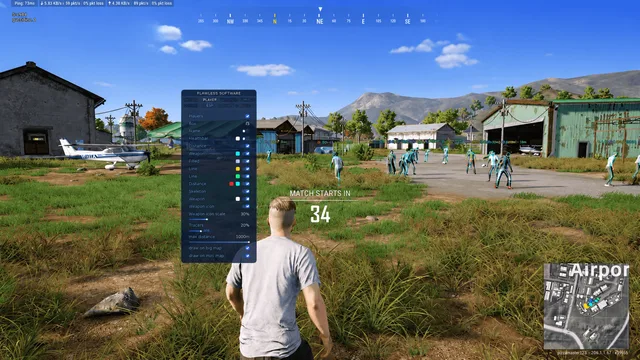
Compare the player ESP, loot filters, vehicle readouts and recoil profiles listed for PUBG Elite. See which PC tools require a separate purchase.
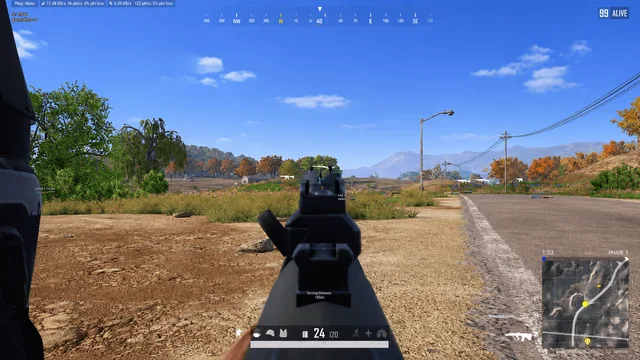
Check the player boxes, distance, visibility and health indicators on the PUBG Elite list, plus the filters that control what appears.
Check access length, renewal, device rules, delivery and refund terms before buying a PUBG PC product from the linked partner store.
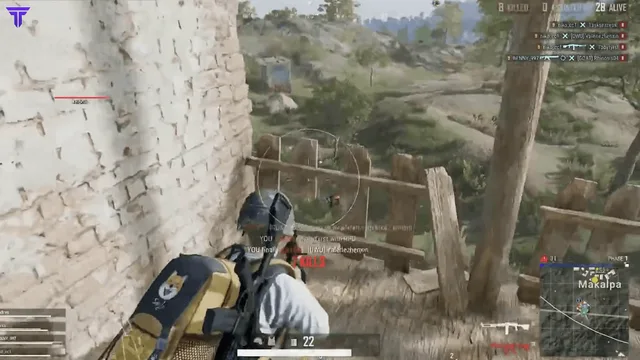
Check the current Steam build, seller compatibility, delivery timing and what support needs before you buy or reuse a PUBG PC tool after an update.
Find out what PUBG Skin Changer previews on your own client, what teammates see, and which Windows and access details to check before ordering.
FAQ
Common questions
Answers to the questions that come up most often about these features and requirements.