
PUBG Skin Changer: Outfit & Weapon Previews
See how outfits and weapon finishes look together on your Windows client while your account keeps its owned items.

Editorial product notes
PUBG Skin Changer for PC at a glance
See how an outfit and weapon finish look together on your own screen. The preview leaves your inventory intact and your squad still sees what you own.
Overview
Outfit and weapon finish previews
Use local previews to see outfit combinations and weapon finishes on your own client. The utility leaves purchases and inventory as they are.
Skin Changer is separate from Elite and needs a working Steam copy of PUBG on 64-bit Windows 10 or 11, with administrator access.
What appears on your client
Preview outfit combinations and weapon finishes from your own screen. Other players see the items your account owns.
Windows and game requirements
Use 64-bit Windows 10 or 11, administrator access and a Steam PUBG client that starts normally. Check compatibility after a game update.
Feature list
What PUBG Skin Changer for PC includes
- Outfit preview on your client
- Weapon finish preview
- Local display only
- Does not edit inventory
- Other players see real items
- Separate from Elite
- Status check after cosmetic patches
- Order email support
Product details
Product Preview & Delivery
See the features in the gallery and what you’ll need to use PUBG Skin Changer for PC after delivery.
Product preview
-
Local preview
Preview outfits and weapon finishes on your own screen. Other players see your owned items.
Guides
Guides for PUBG Skin Changer for PC
Read about the features, system requirements and questions worth asking when a PUBG update lands.
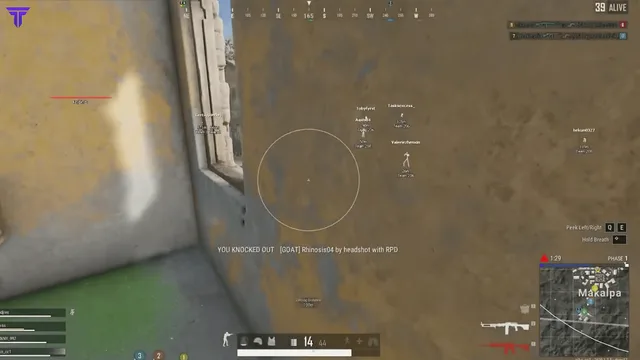
Find out what PUBG Skin Changer previews on your own client, what teammates see, and which Windows and access details to check before ordering.
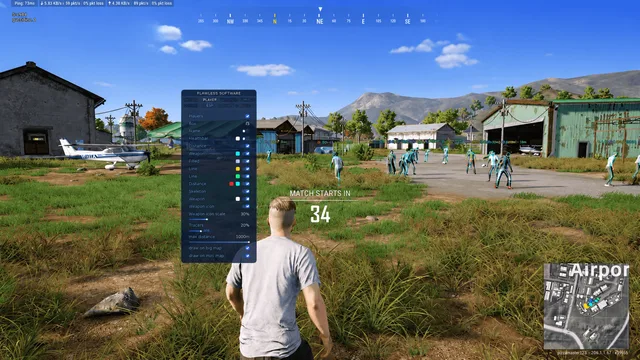
Compare the player ESP, loot filters, vehicle readouts and recoil profiles listed for PUBG Elite. See which PC tools require a separate purchase.
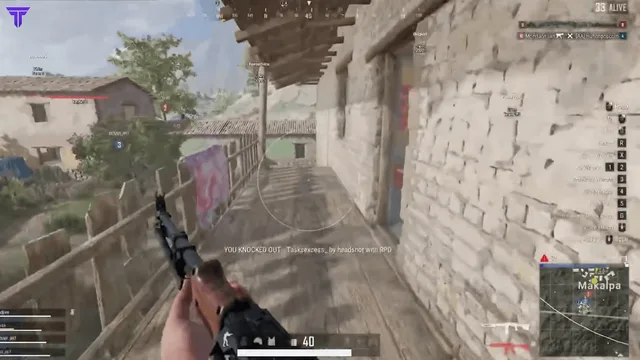
Buying PUBG Elite or Skin Changer for use on a recording PC? Check how local displays, captured footage and seller claims differ.
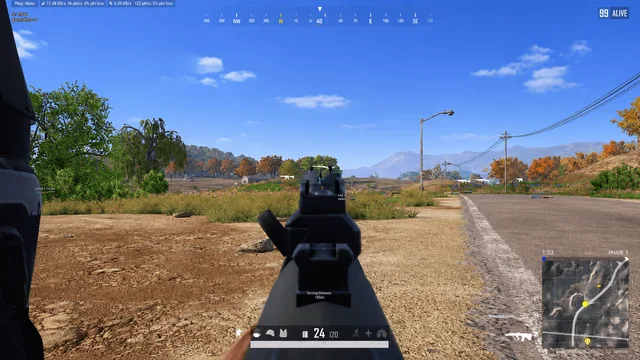
Check the player boxes, distance, visibility and health indicators on the PUBG Elite list, plus the filters that control what appears.
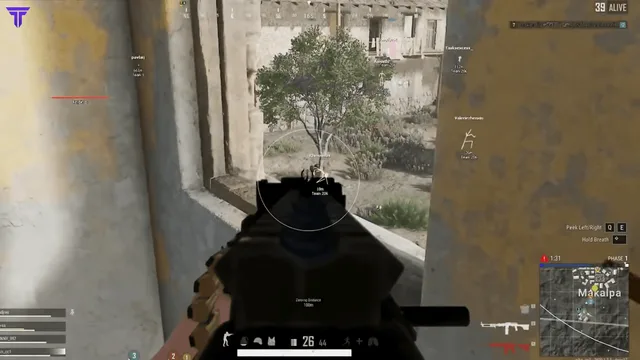
Use this PUBG Elite buyer’s guide to match its gameplay features to your Windows setup, confirm device rules and judge the current access offer.
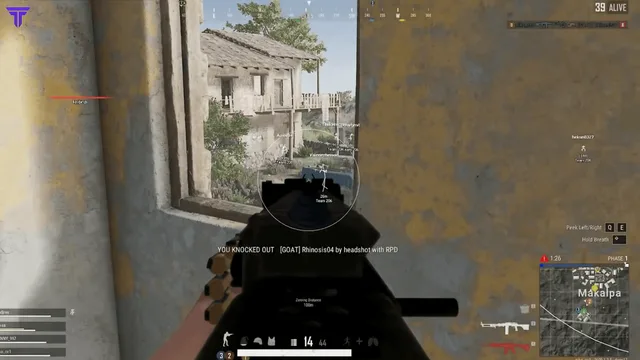
Review the HWID utility’s Windows requirements, included cleaner and system-change risks before opening the PUBG partner listing.
FAQ
Common questions
Answers to the questions that come up most often about these features and requirements.