
PUBG UGC Appeal Workspace: Notes & Screenshots
Keep a PUBG restriction notice, submission dates and screenshots together so you can follow up from one record.

Editorial product notes
PUBG UGC Appeal Workspace at a glance
Keep the notice, submission dates and replies in one workspace so your next follow-up has the context it needs. The publisher makes the decision on reinstatement.
Overview
Keep your PUBG appeal records together
UGC stands for Unban and Governance Control. It organizes the information you already have about a restriction and keeps follow-ups with that record.
Start with the original restriction notice or any messages you’ve kept. UGC organizes those records. The publisher reviews and decides the appeal.
What to bring to an appeal
Keep the exact notice, a dated record of what you have already submitted and relevant screenshots. Use the email on your order to make follow-up easier.
Who decides the outcome
The publisher reviews restrictions and makes the decision. UGC helps organize an appeal record and offers no assurance of reinstatement.
Feature list
What PUBG UGC Appeal Workspace includes
- Appeal notes in one place
- Timeline of what you already sent
- Room for screenshots you have
- No restore guarantee
- Separate from the HWID utility
- Order email required
- Ticket follow-up
- Record of previous submissions
Product details
Product Preview & Delivery
See the features in the gallery and what you’ll need to use PUBG UGC Appeal Workspace after delivery.
Product preview
-
Appeal workspace
Keep restriction notices, timelines and screenshots together for an appeal.
Guides
Guides for PUBG UGC Appeal Workspace
Read about the features, system requirements and questions worth asking when a PUBG update lands.
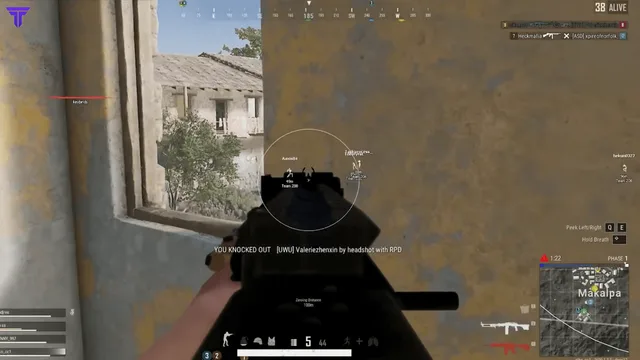
Understand what the PUBG UGC workspace can organize, which appeal records to prepare and who decides whether a restriction is lifted.
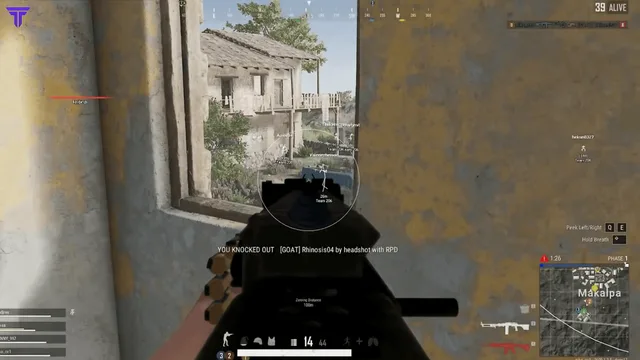
Review the HWID utility’s Windows requirements, included cleaner and system-change risks before opening the PUBG partner listing.
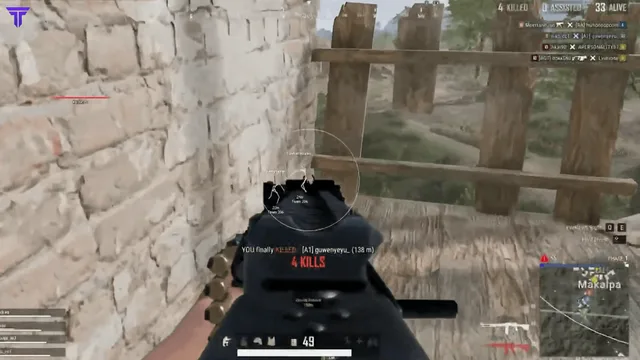
Choose between PUBG Elite, Skin Changer, the HWID utility and UGC using a feature-first buying checklist and a direct link to each product.
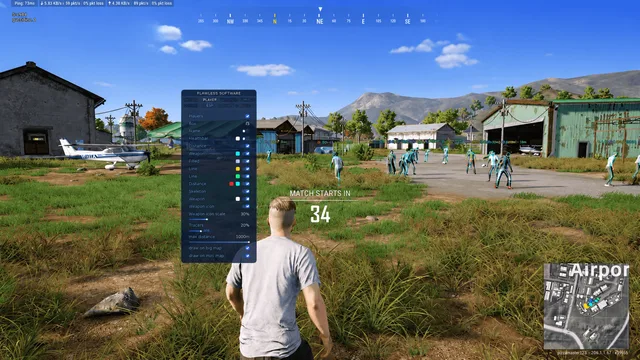
Compare the player ESP, loot filters, vehicle readouts and recoil profiles listed for PUBG Elite. See which PC tools require a separate purchase.
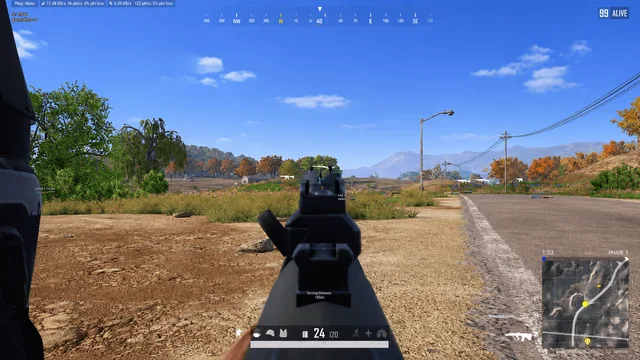
Check the player boxes, distance, visibility and health indicators on the PUBG Elite list, plus the filters that control what appears.
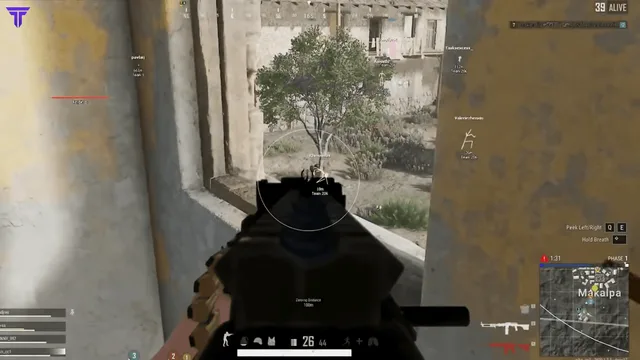
Use this PUBG Elite buyer’s guide to match its gameplay features to your Windows setup, confirm device rules and judge the current access offer.
FAQ
Common questions
Answers to the questions that come up most often about these features and requirements.